


New student
Are you a new student at the Department of Geological Sciences? We hope that you will have a successful start and enjoy your studies at our department.
Your digital tools: Canvas, ladok, schedule ...
Here you can find links to systems, tools and services that you might need as a student at Stockhom's University.
Canvas

For those starting in autumn 2026, Canvas is your learning platform. (If you are taking a course that started earlier, you will continue using Athena for that course.)
Once you are registered for your courses, you will automatically gain access to the course site in Canvas.
NOTE! Some courses use other learning platforms. Your course welcome email will provide information about which platform applies to your course.
You can log in to canvas.su.se using your university account from August onwards. Your courses will only become visible once you are registered for them and the teacher has published the course ahead of the start of the semester on 31 August.
It may take up to 48 hours after activation before your university account is fully functional.
More information about Canvas and other learning plattforms
Ladok
Is a student registration and grading web service where you can check reported grades and print official transcripts of your study results and a certificate of study registration.
Schedules
Most departments at the university uses the university’s scheduling system TimeEdit. Please note that a few departments do not use TimeEdit. Should the schedule you are interested in be unavailable within four weeks prior to the course’s introduction, please contact our student counsellor (elisabeth.dacker@geo.su.se).
WiFi (eduroam)
Use your university account to log in to the wireless network.
How to connect to the wireless network
More links at
Studying with a disability
Stockholm University provides special pedagogical support to students with documented long-term disabilities.
Here you can read more about common support measures and how to apply for support.
At the Geoscience building there are several elevators
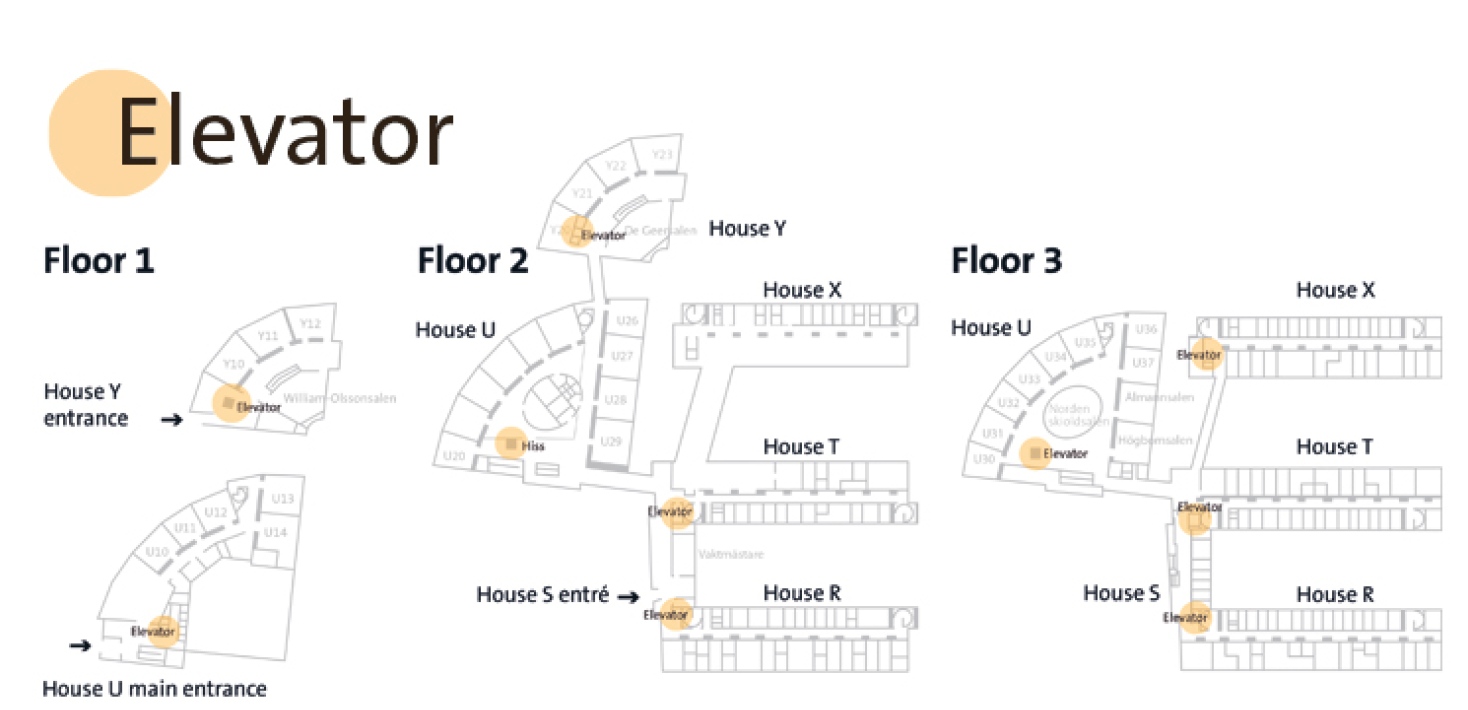
Floor plan of the Geohuset with all elevators marked out, Stockholm University.
AI and Academia: Smarter Study Starts Here
Find out how you can use AI tools in a responsible and effective way to support your studies, improve your understanding, and achieve your academic goals.
A short guide for use of generative AI in studies at the Department of geological sciences
Course information
Information about the courses can be found on each course page. There you can find the schedule, course literature and who is responsible for the course.
Go to the course and programmes online catalog to find your course/programme
Find your way to us
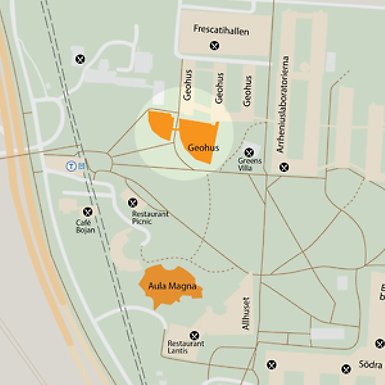
The Department of Geological Sciences is located at the Geovetenskapens hus, which is about three minutes walk from the metro, buses, and Roslagsbanan.
Geoklubben

Geologklubben is the oldest student society at Stockholm University, founded in 1892.
Geologklubben's goal is to be a place where students can gather ideas for future careers in geoscience, discuss ongoing research, get help with their studies, organize parties, or get a team together for field trips, excursions, activities, etc.
If you would like to join us please write an e-mail to geologklubben@gmail.com
Library
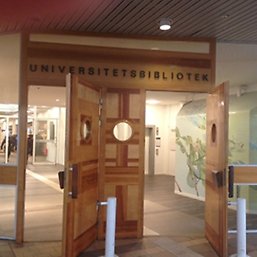
Stockholm University Library is an important resource for students, where you can borrow and order course literature. The library also gives you access to scientific literature, journals and databases, in printed as well as digital format.
At the Libary there are experts who can teach you how to search, select and critically exam scientific resources for your essay or thesis. They also offer advice on how to write and manage references.
Studenthuset
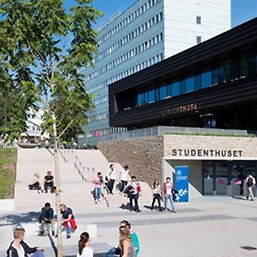
In Studenthuset there are plenty of quiet and 'non/semi-quiet' places to study, bookable group rooms, rest rooms and breast feeding rooms (temporarily closed), microwaves where you can heat up your lunch box, and a spacious café which offers student discounts.
Sporting activities on campus
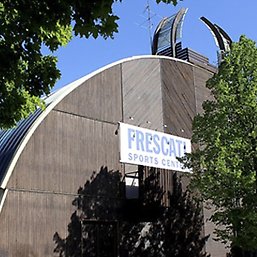
The Natural Sciences Faculty Club (Naturvetenskapliga Föreningen or NF) is a social organization aiming to provide you with a fun, social student life filled with activities outside the lab and lecture halls.
NF hangs out at Gréens villa (the green villa at Svante Arrhenius väg 10). See our events calendar.
NF also hosts a range of other activities like traditional Swedish student dinners (“sittning”), brewing sessions and traditional Swedish student theatre (“spex”). To find more info about these, check out our website, Facebook page and/or Instagram.
The Natural Sciences Faculty Club
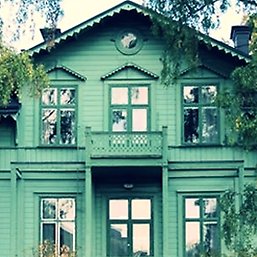
The Natural Sciences Faculty Club (Naturvetenskapliga Föreningen or NF) is a social organization aiming to provide you with a fun, social student life filled with activities outside the lab and lecture halls.
NF hangs out at Gréens villa (the green villa at Svante Arrhenius väg 10). See our events calendar.
NF also hosts a range of other activities like traditional Swedish student dinners (“sittning”), brewing sessions and traditional Swedish student theatre (“spex”). To find more info about these, check out our website, Facebook page and/or Instagram.
Please contact our Student counsellor if you have any questions
Elisabeth Däcker, elisabeth.dacker@geo.su.se
More contacts under Education
Last updated: 2026-11-12
Source: Department of Geological Sciences