


You can now print via Printomat using a PIN code or a card
It is now easier to use Printomat. You can sign in to the printers using a personal PIN code or by linking your own card – a specific university card is no longer required.
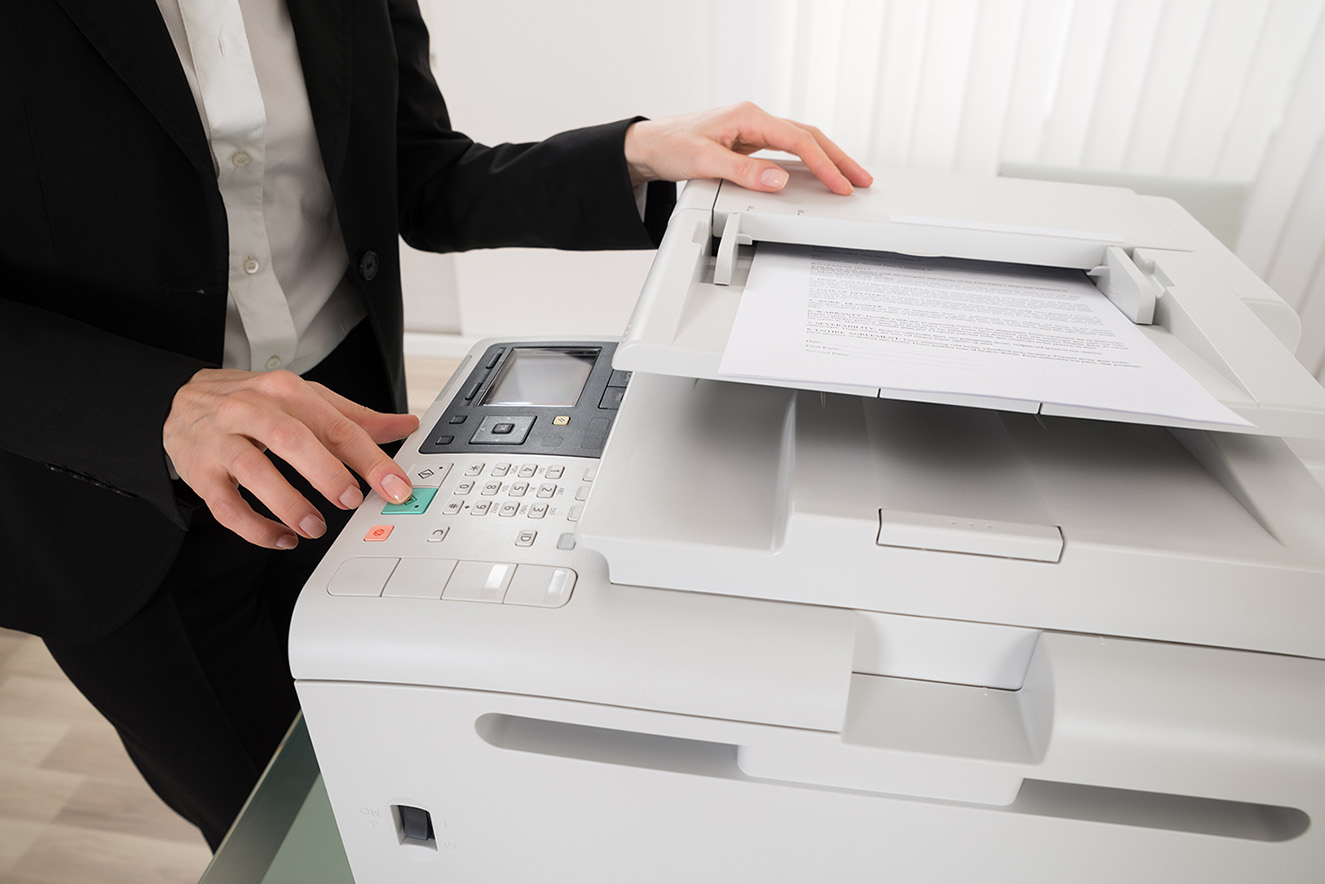
Previously, a university card was required to use the Printomat printers for printing, copying or scanning. From now on, a specific card is no longer needed; you can link your own card (for example an SL card) or simply use a PIN code to sign in to the printers.
If you are a new student and would like a dedicated card for Printomat, you can collect one from Infocenter (Frescati).
If you already have a university card, you can continue using it as before.
Instructions on how to link a card or obtain a PIN code are available in Serviceportalen su.se/printomat
Last updated: 2026-07-22
Source: IT Services